.webp)
AI Costs and Trade-Offs for Startups in 2026
In 2026, adding AI to a startup MVP can feel like a shortcut—but the real costs show up in reliability, data, UX, and ongoing maintenance. This article breaks down what founders should budget for beyond “model usage,” what trade-offs you’re making when you choose faster vs safer approaches, and how to keep your first AI release small, measurable, and defensible. If you’re non-technical, you’ll leave with a clearer way to decide what to build, what to buy, and what to postpone.
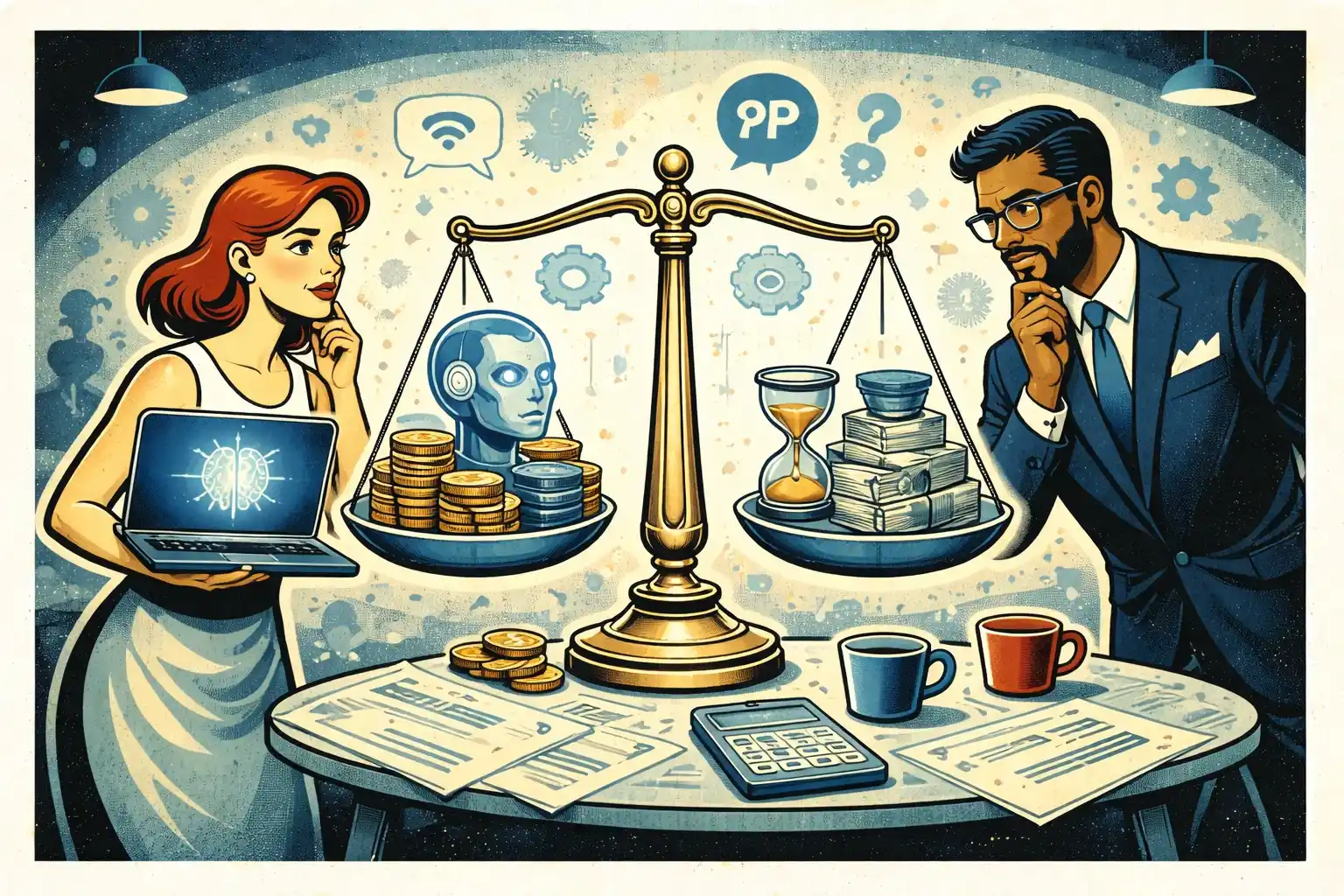
TL;DR: AI costs in 2026 are rarely just “API bills”— the bigger spend is making AI behavior reliable inside a real product.The best way to control cost is to ship a small AI workflow with clear guardrails, metrics, and fallbacks — then expand only after you see real user value.
The mistake founders still make in 2026: treating AI as a feature you “add later”
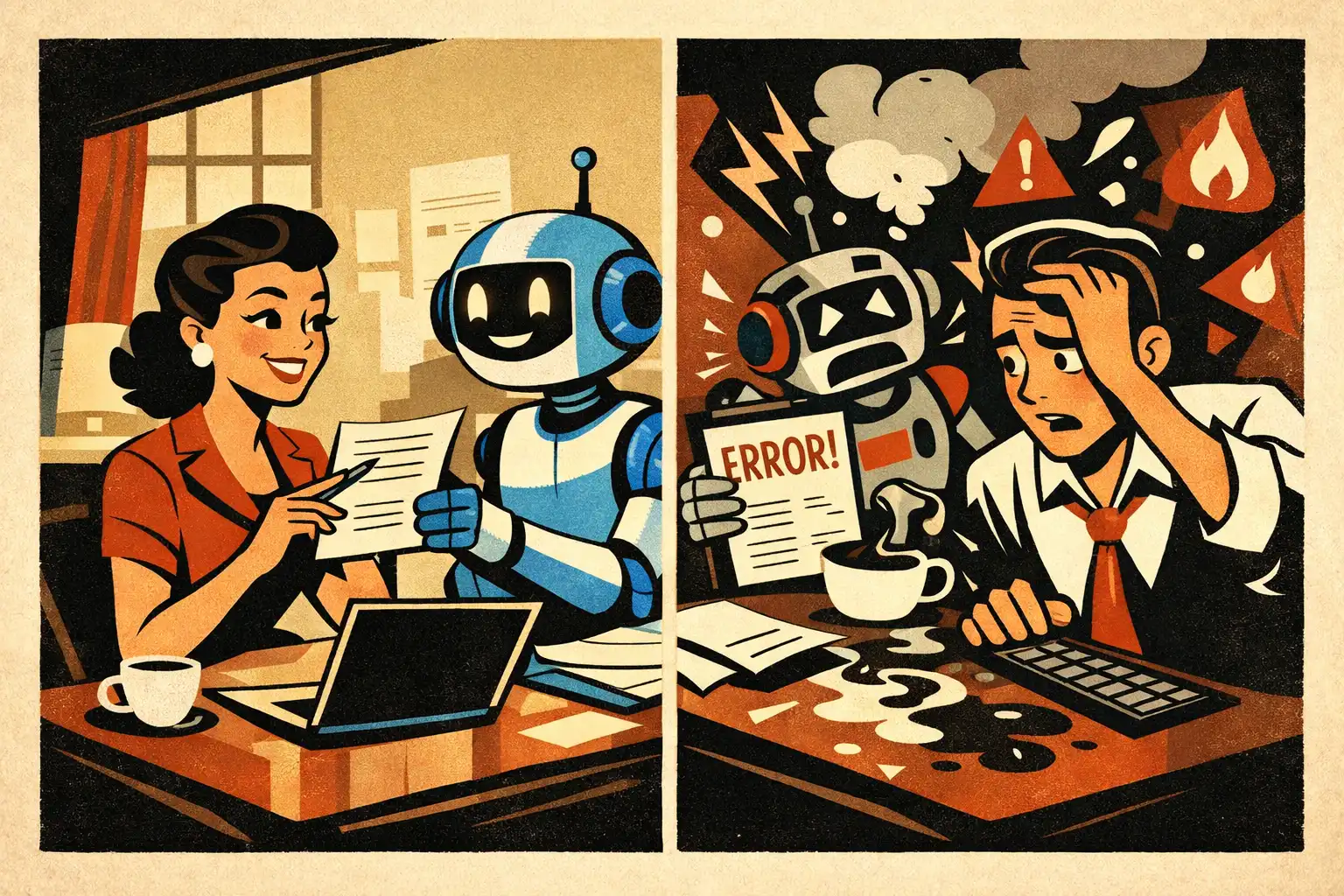
Most startup budgets are still built around screens, flows, and engineering hours. AI breaks that model because your “feature” is partly probabilistic.
That doesn’t mean AI is too risky—it means you need a different budgeting mindset: you’re paying for usefulness under real user behavior, not for a demo that works on perfect inputs.
If you want the broader decision frame first, start with Tech Decisions for Founders in 2026.
What “AI cost” really includes (beyond tokens)
When founders say “AI will be expensive,” they usually mean model usage. In practice, model usage is often the easiest line item to forecast.
The hard-to-see costs are everything needed to make AI output usable, safe, and repeatable.
1) Product design for uncertainty
AI outputs vary. Your UX has to handle that.
Budget time for:
- Clear “what to do next” UI when output is uncertain.
- Explainability that doesn’t overwhelm the user.
- Fallback states (manual input, templates, safe defaults) when AI fails.
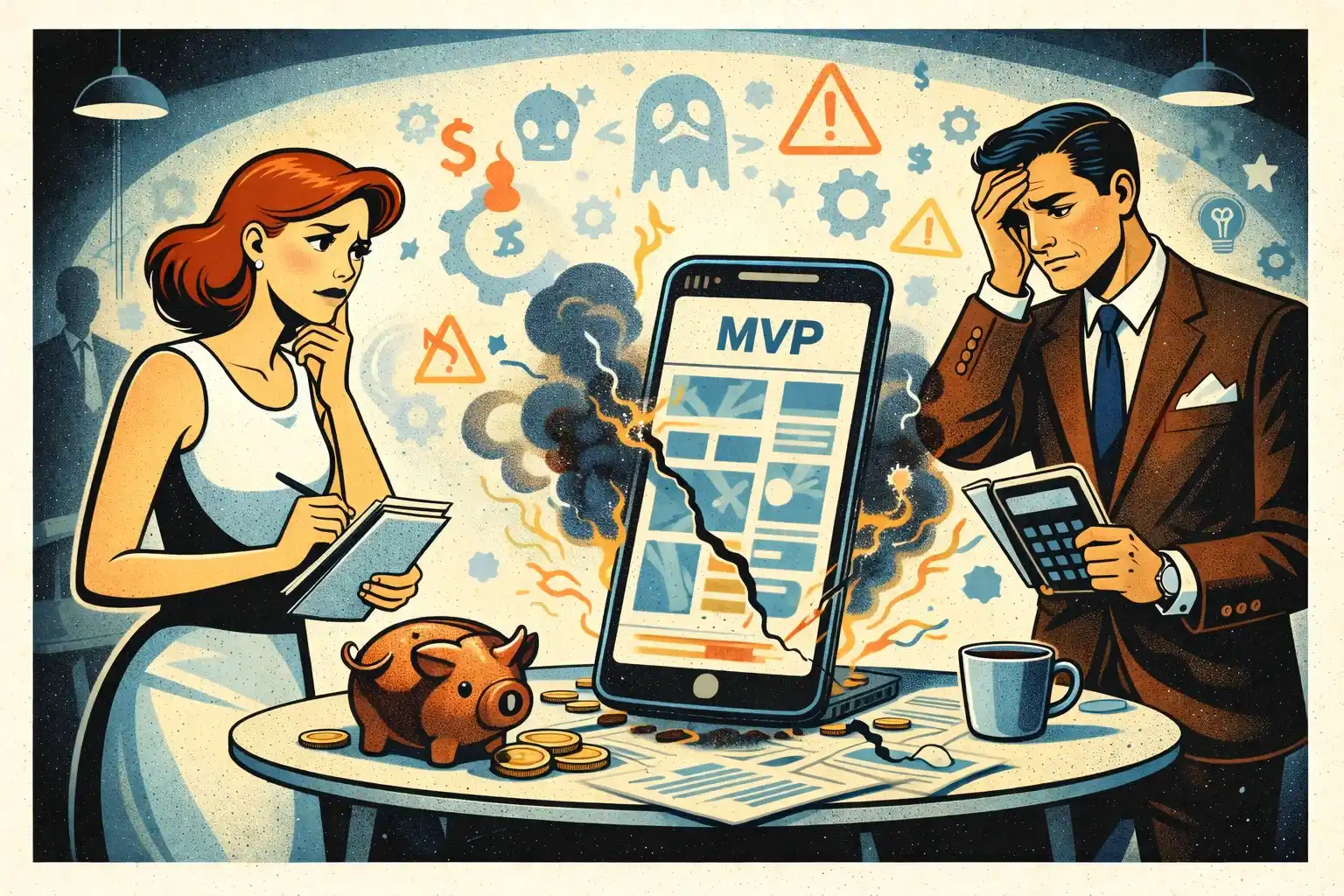
This is where many “cheap” AI MVPs break. It’s also why Why MVPs Still Fail in 2026 is often an AI story without the word “AI” in it.
2) Guardrails and fallbacks
A founder-friendly version of guardrails is simple: how do we prevent the model from doing the wrong thing, and what happens when it still does?
Typical work here includes:
- Input constraints (what the user can and can’t ask for).
- Output constraints (formatting, required fields, refusal behavior).
- Deterministic fallback logic (rules, templates, curated answers).
- “Human-in-the-loop” paths when needed (support review, escalation).
This is one reason AI product work doesn’t map 1:1 to classic dev. If you want the clean comparison, read AI Development Agency vs Classic Development: What’s the Difference for Founders?
3) Evaluation and QA (the hidden time sink)
Classic QA checks whether the app works. AI QA checks whether the app works and whether the AI behaves within acceptable boundaries.
In 2026, this often means:
- A small set of “must pass” test prompts.
- Regression checks when you change prompts, tools, or models.
- Edge case coverage for your specific domain.
If you already have an MVP cost baseline, connect this to MVP Development Cost Breakdown for Early-Stage Startups so your budget doesn’t ignore the AI-specific QA layer.
4) Data: what you have, what you don’t, and what you can’t use
Founders often assume “we’ll just feed it our data.” But there are three real questions:
- Is your data structured enough to be used?
- Do you have permission to use it the way you want?
- Does it need cleaning, tagging, or rewriting to be reliable?
Sometimes the cheapest path is: don’t fine-tune, don’t build a giant data pipeline — start with retrieval over a small curated knowledge set, and measure if users even want it.
5) Reliability and runtime operations
Even if your AI feature works today, you still pay to keep it working:
- Monitoring failures and weird outputs.
- Handling outages or latency spikes.
- Updating prompts/tooling as the product evolves.
This is the “AI tax” founders feel later — when iteration speed slows because every change needs re-testing.
6) Metrics and behavior tracking
If you can’t measure whether AI improved a workflow, you can’t justify its cost.
At minimum, you want:
- Activation impact (did it help users reach the “aha” moment faster?).
- Task completion rate (did it reduce drop-off in a key flow?).
- Support load (did it create more confusion than value?).
For a practical starting point, use Your First Product Metrics Dashboard: What Early-Stage Investors Want to See.
The trade-offs that matter (and how they change your budget)
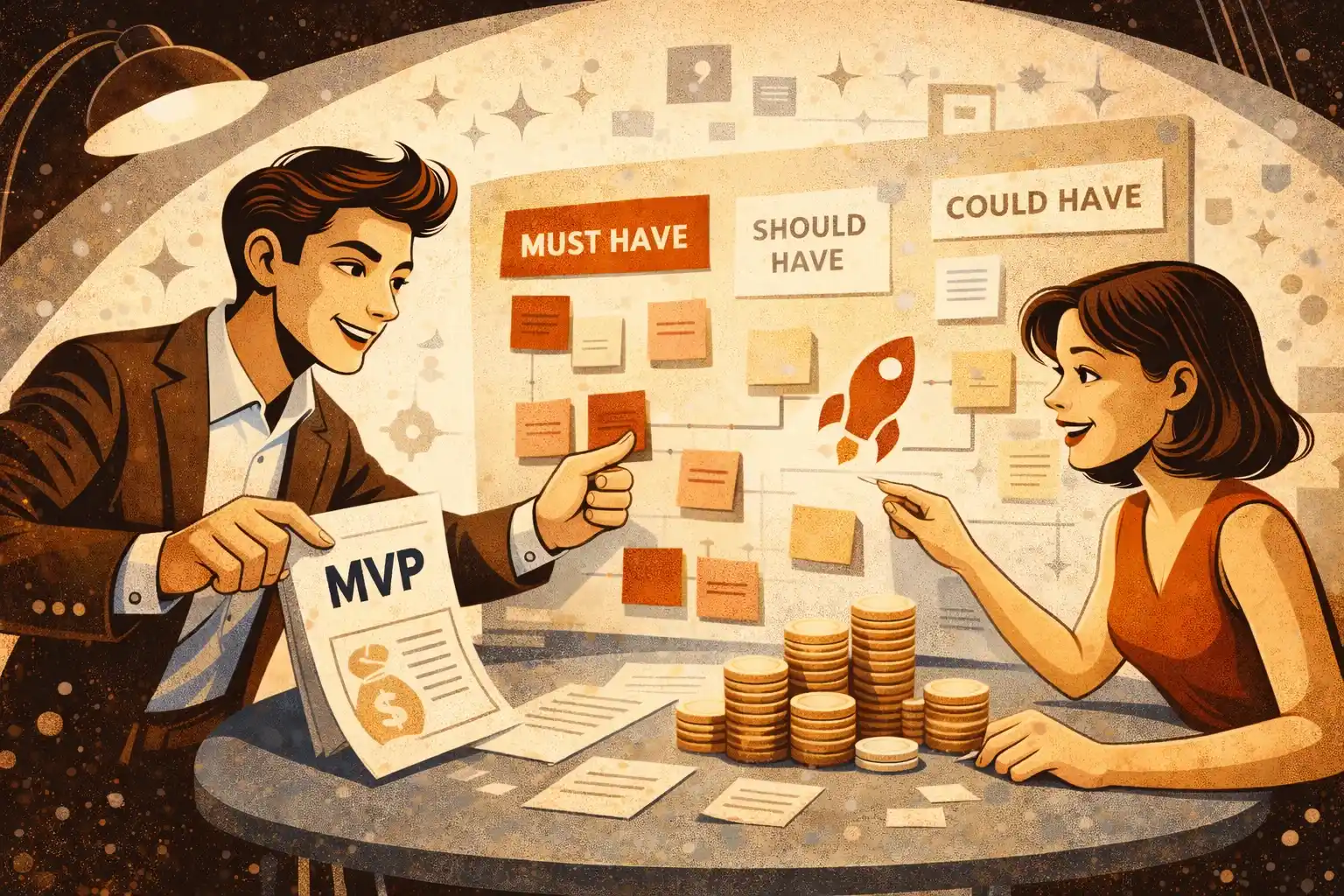
In early-stage work, you’re not trying to “win on AI.” You’re trying to ship the smallest useful product that learns fast.
Trade-off 1: Accuracy vs speed to market
More accuracy usually means more cost:
- Better data preparation.
- Stronger evaluation.
- More UX guardrails.
If speed matters, reduce scope instead of reducing quality. A smaller AI workflow with clear boundaries is usually cheaper than a broad assistant that tries to do everything.
Trade-off 2: Personalization vs privacy and complexity
Personalization can boost retention—but it increases:
- Data storage and permission requirements.
- Debugging complexity.
- Risk of “creepy” experiences if the UX isn’t careful.
If you’re unsure, start with session-level personalization and expand only after you see retention lift.
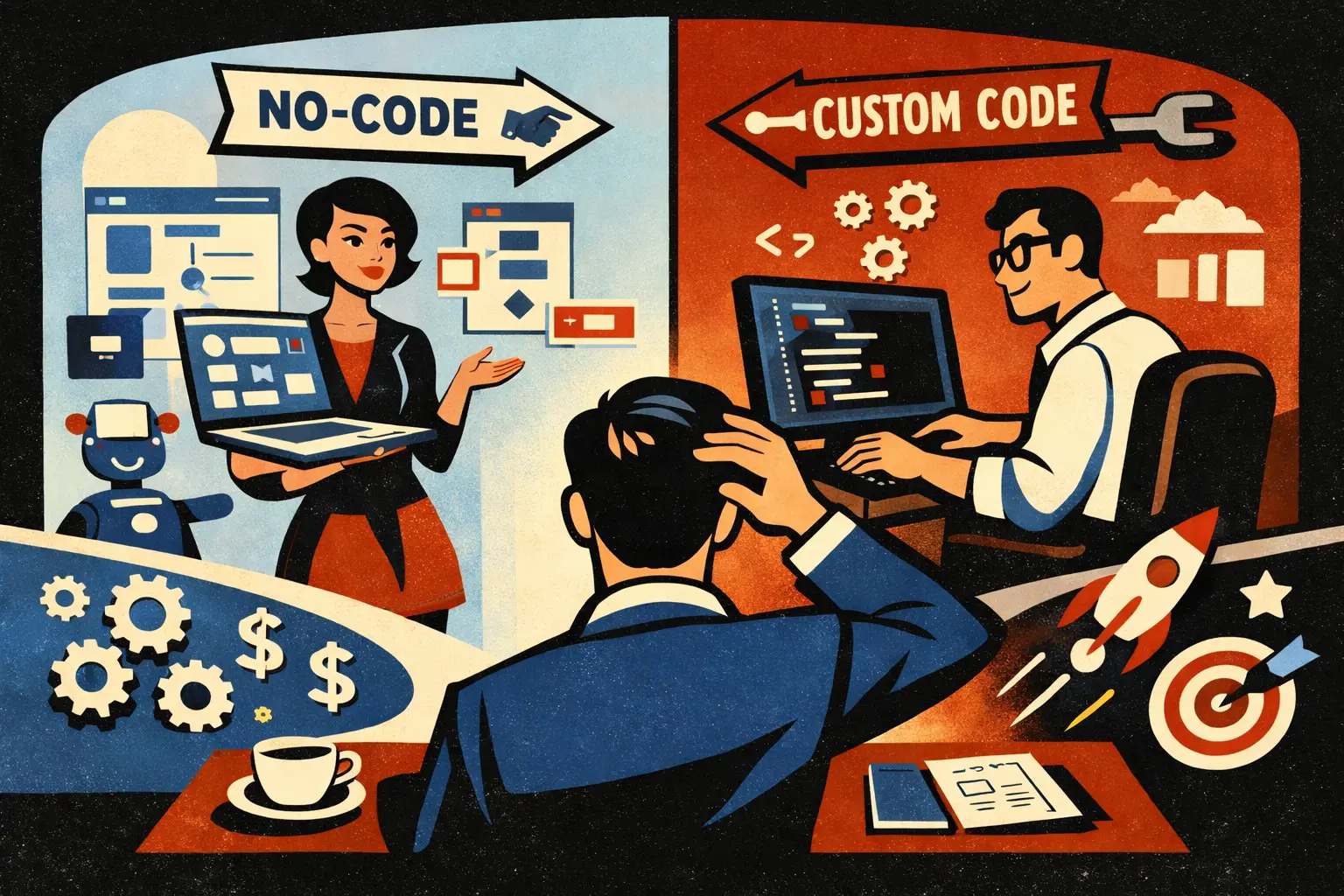
Trade-off 3: Build vs buy
Buying tools can be faster, but introduces:
- Vendor lock-in.
- Pricing volatility.
- Limited control over UX and edge cases.
Building gives control, but increases:
- Upfront engineering and QA.
- Ongoing maintenance.
A common MVP strategy: buy what’s non-differentiating, build what’s core to your user workflow.
Trade-off 4: “AI-first” product vs product-first AI
In 2026, most startups still win by being product-first.
Meaning: build a workflow users already want, then use AI to remove friction or automate steps. This thinking is baked into AI-Powered MVP Development: Save Time and Budget Without Cutting Quality.
A founder-friendly way to budget AI work (without fake precision)
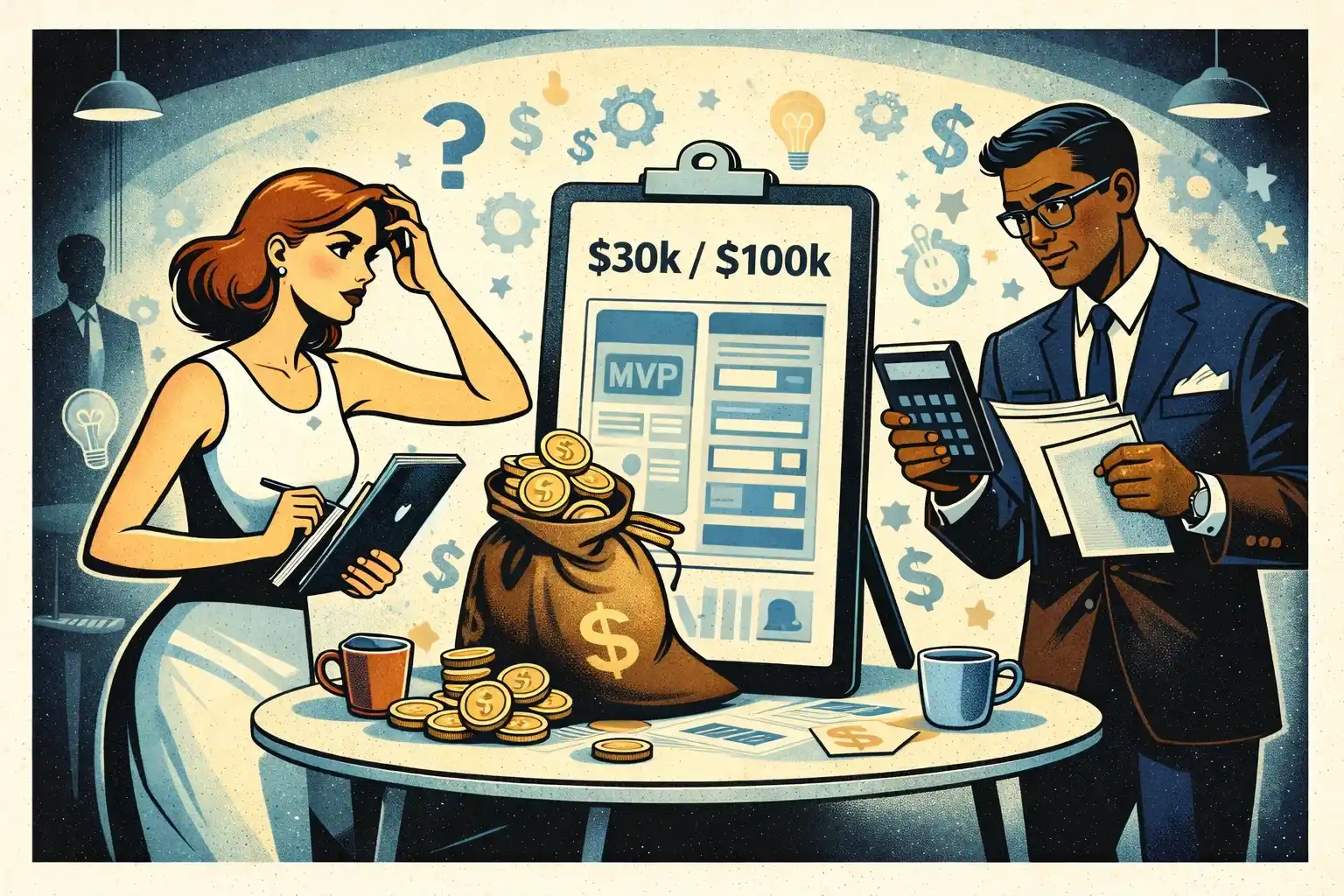
If you’re non-technical, you don’t need a perfect cost forecast. You need a budget that won’t collapse when reality shows up.
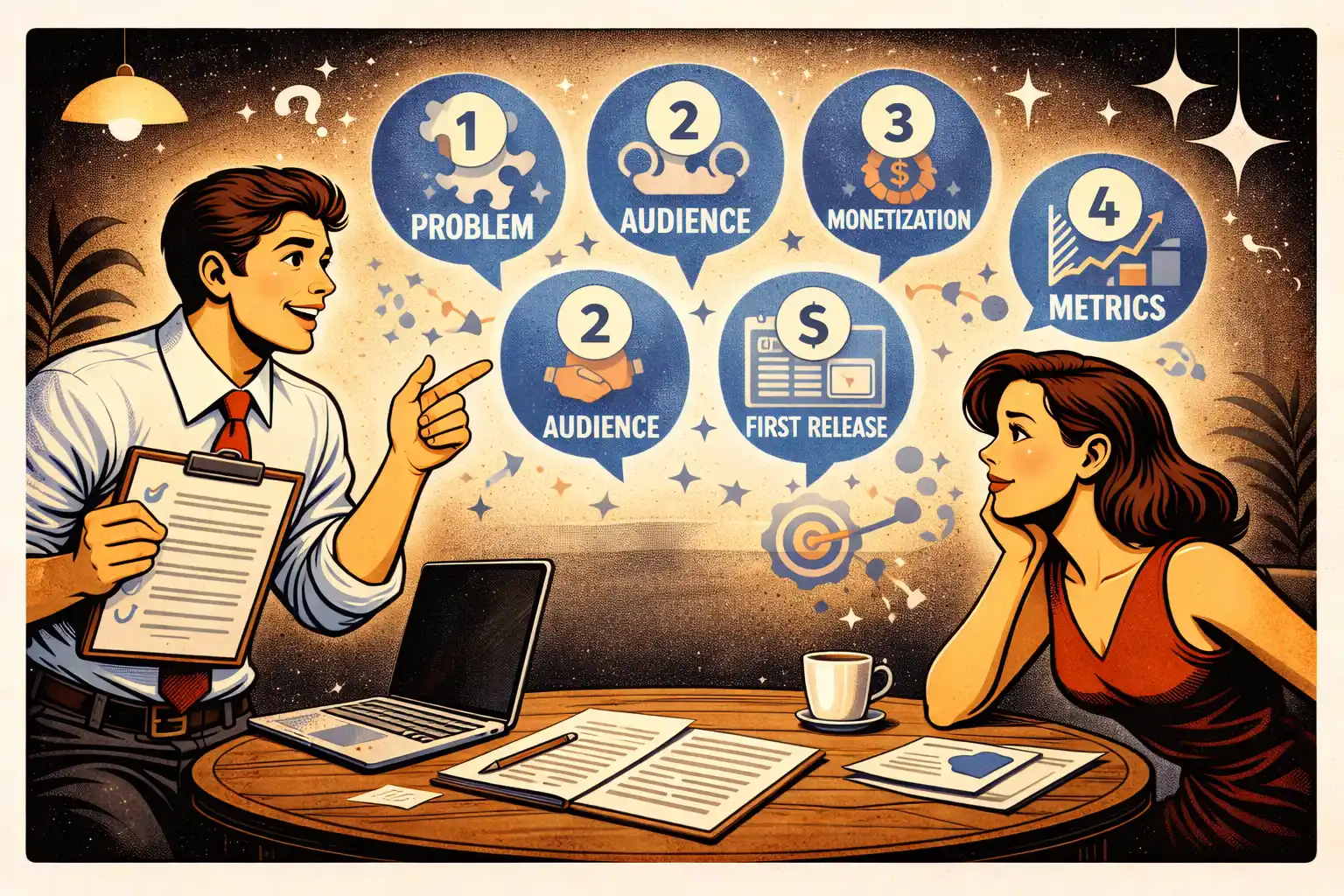
Use this structure:
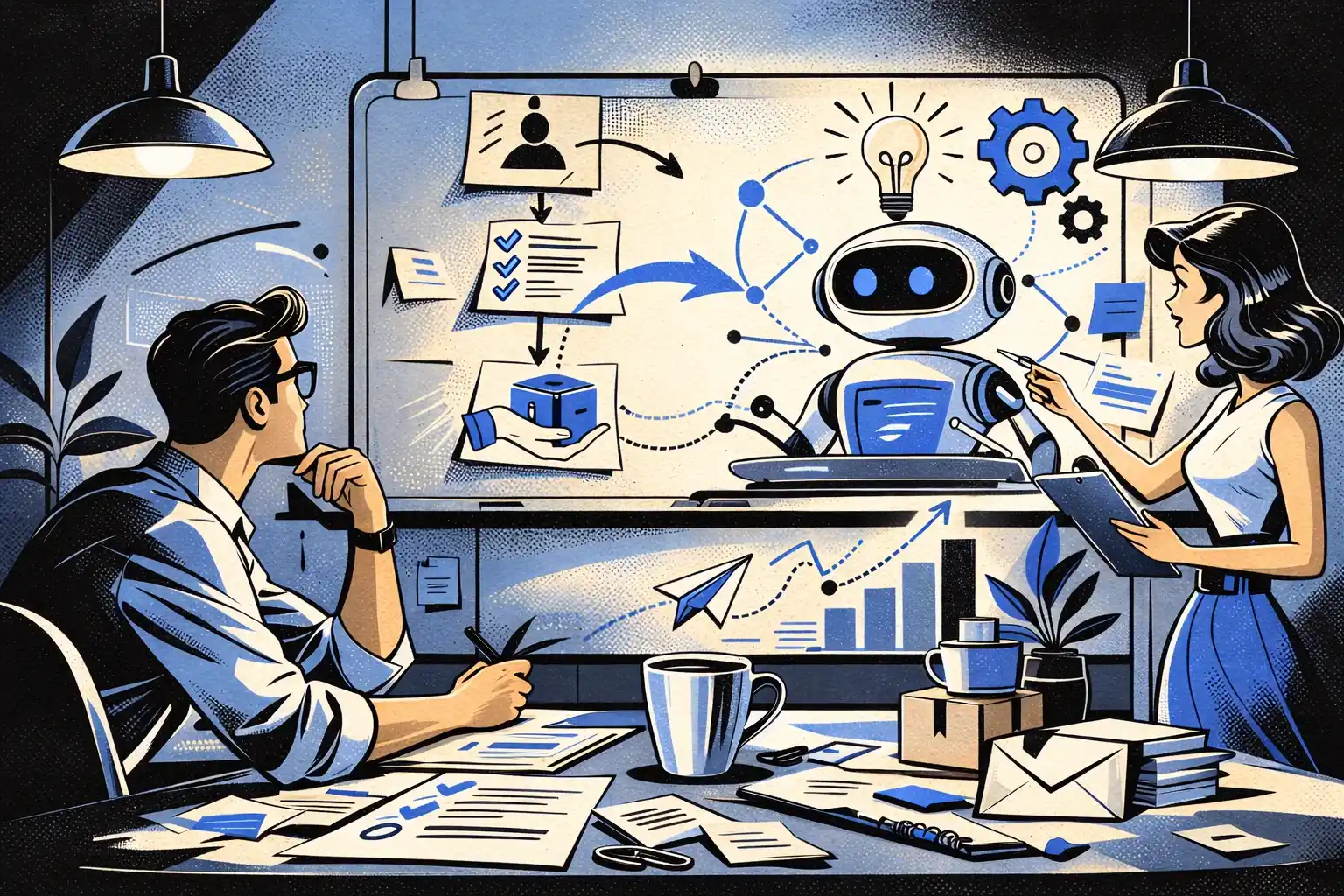
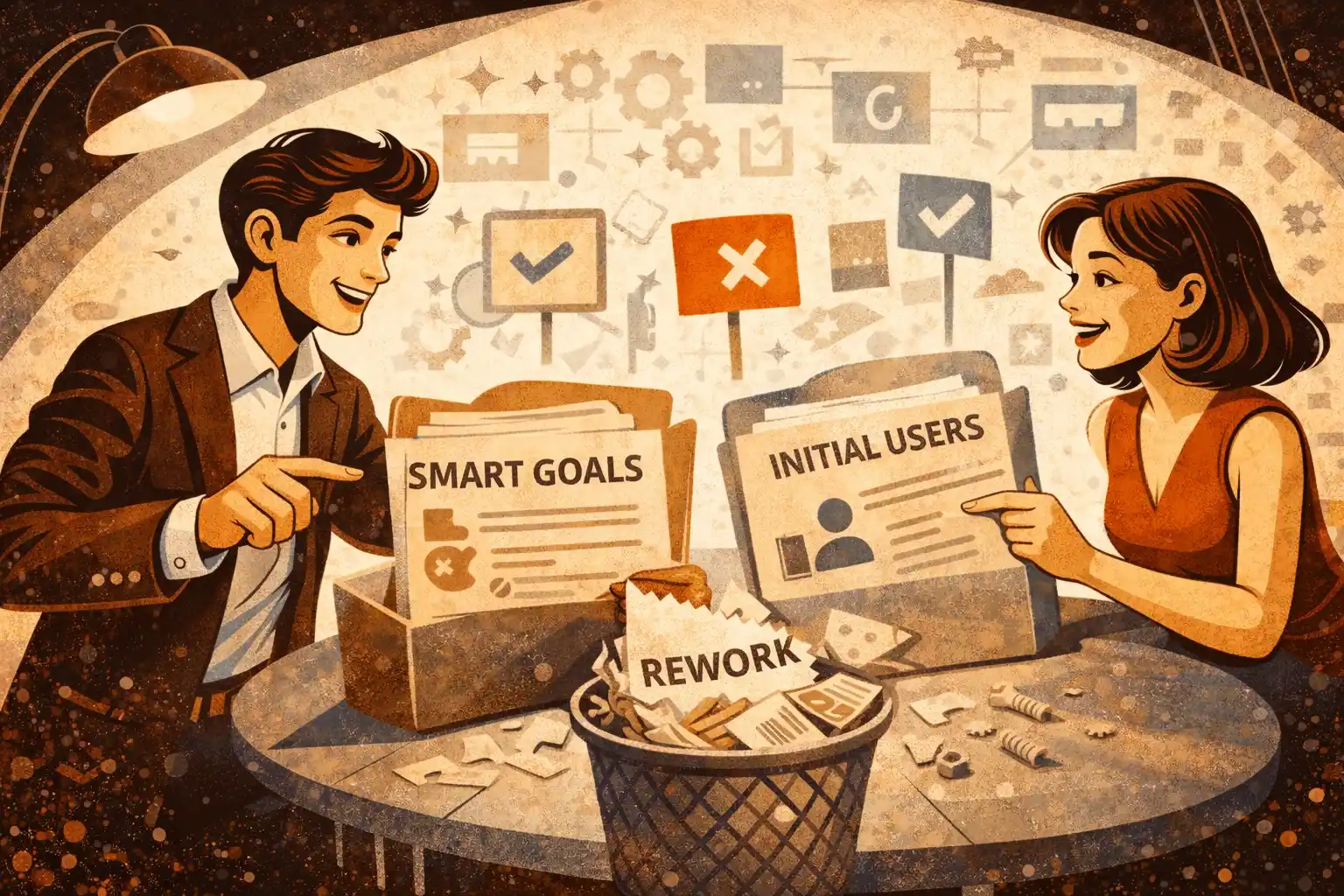
Step 1: Define the one AI workflow that matters
Not “add AI.” One workflow.
Examples (generic on purpose):
- Turn messy user input into a structured plan.
- Summarize and extract the next action.
- Recommend the next step in a multi-stage process.
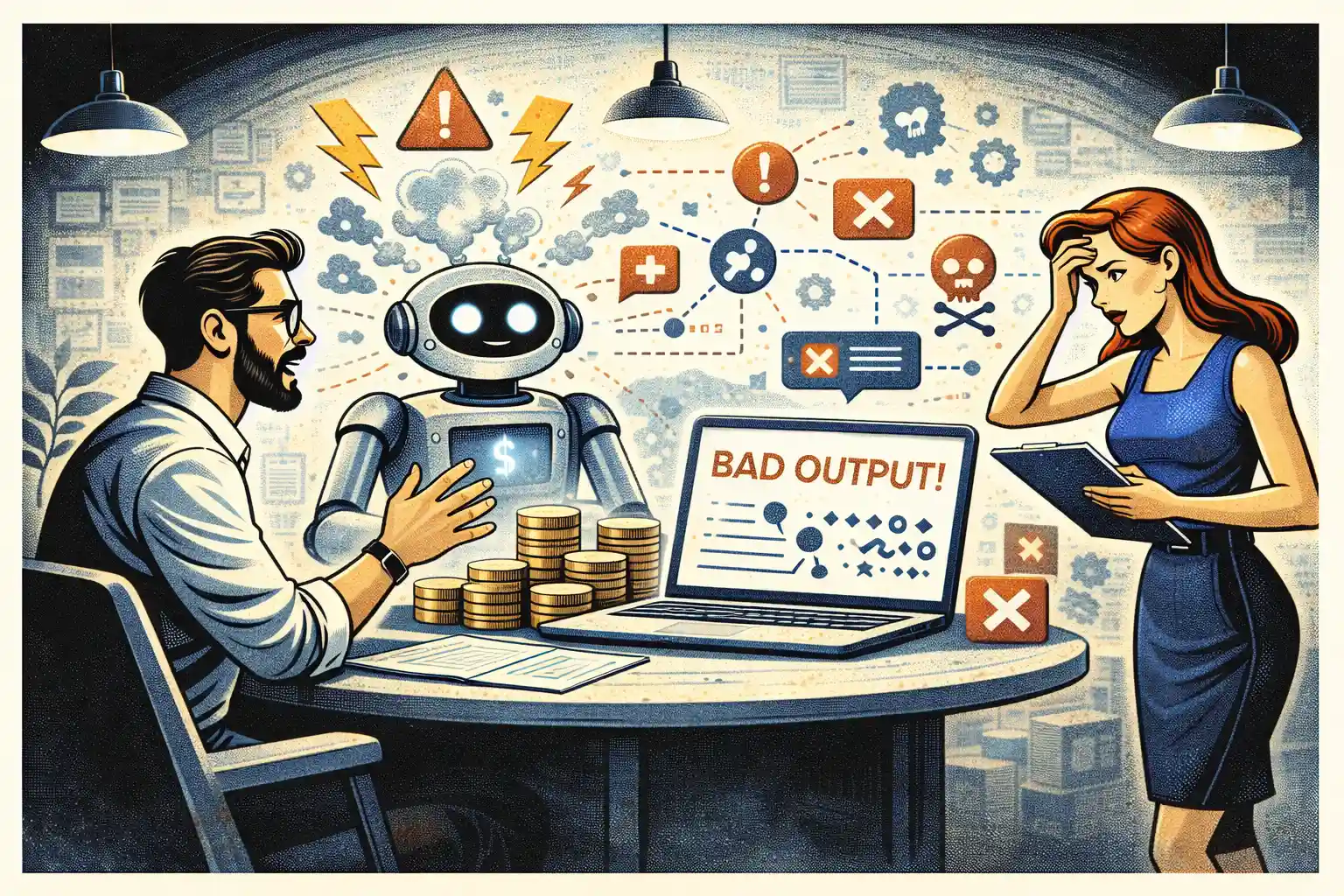
Step 2: Decide what happens when it’s wrong
Write your “wrong output policy” in plain language:
- Does the user see the raw output?
- Do you show confidence?
- Do you require confirmation before anything critical happens?
- What’s the fallback?
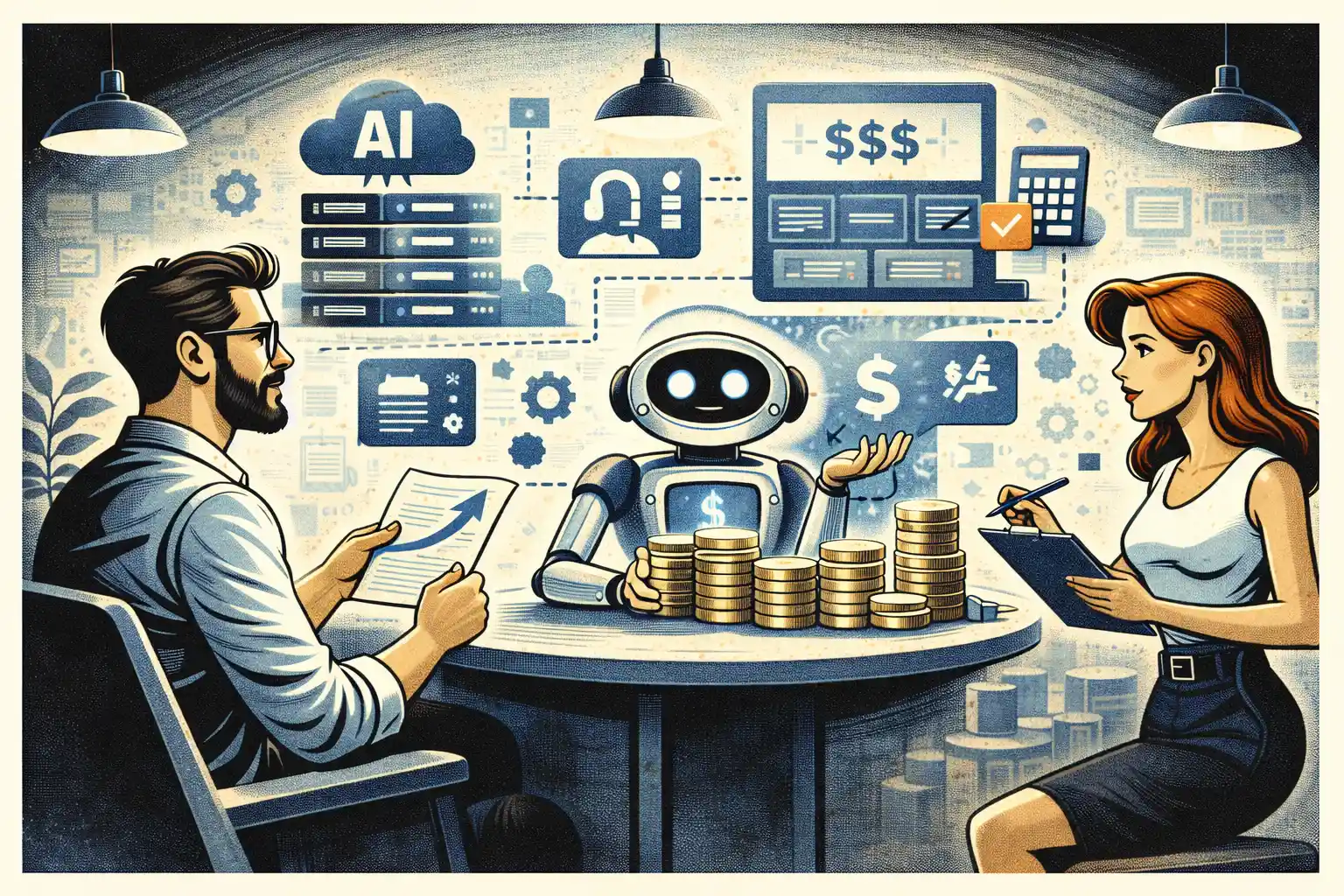
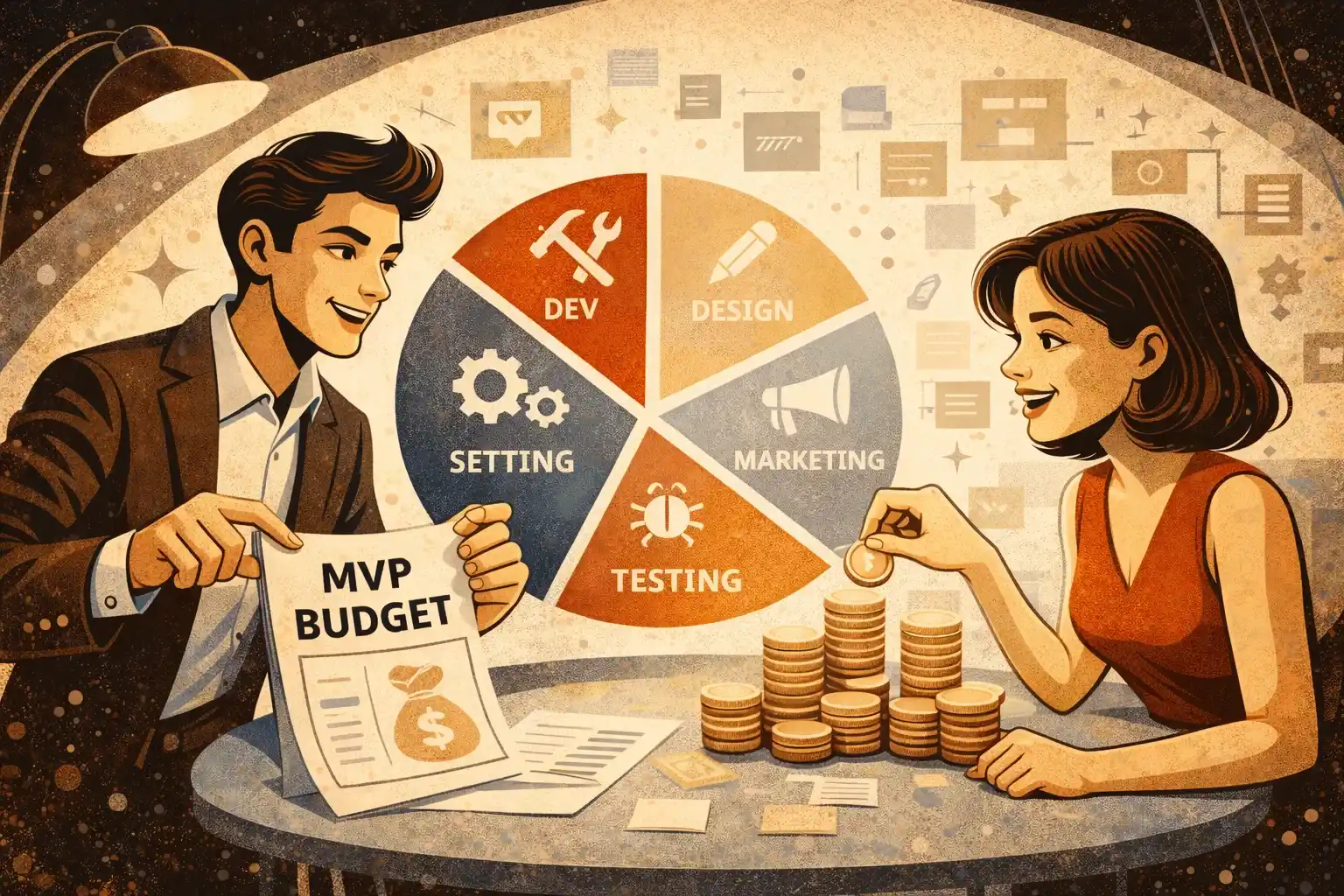
Step 3: Budget for three layers
- Product layer: UX, copy, onboarding, error states.
- AI layer: prompts, tools, retrieval, guardrails, evaluation.
- Ops layer: monitoring, logging, iteration cadence.
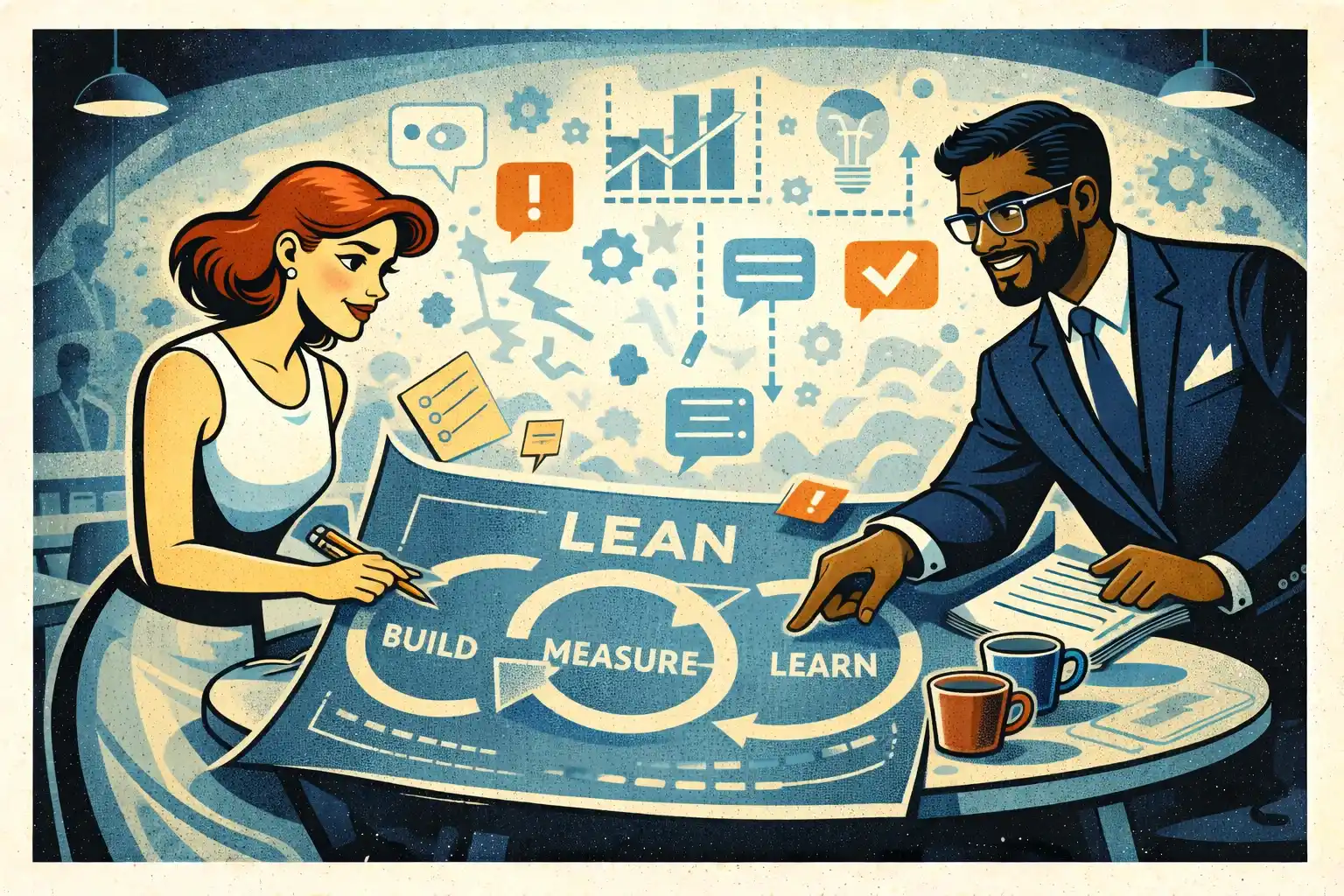
Step 4: Commit to a small iteration loop
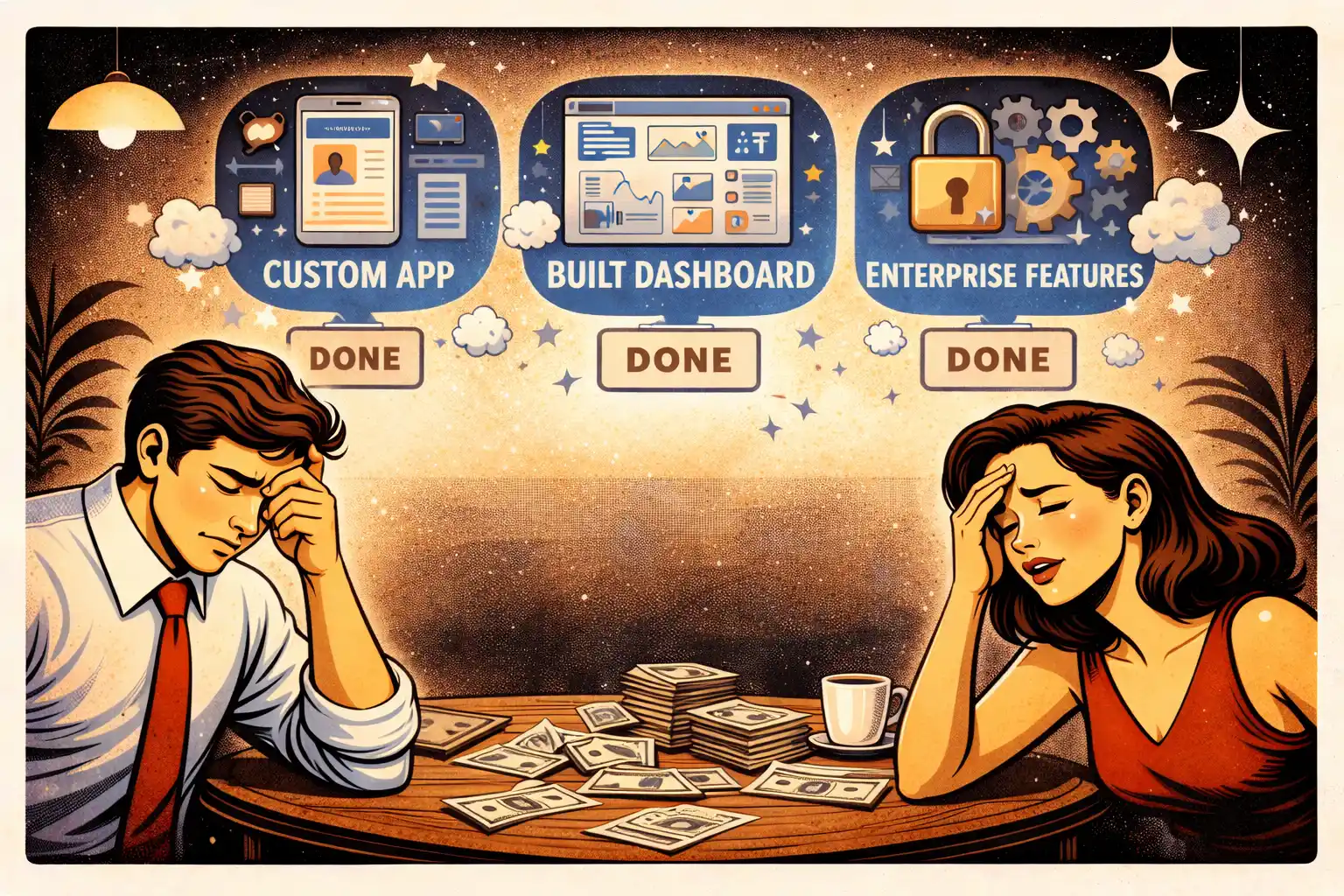
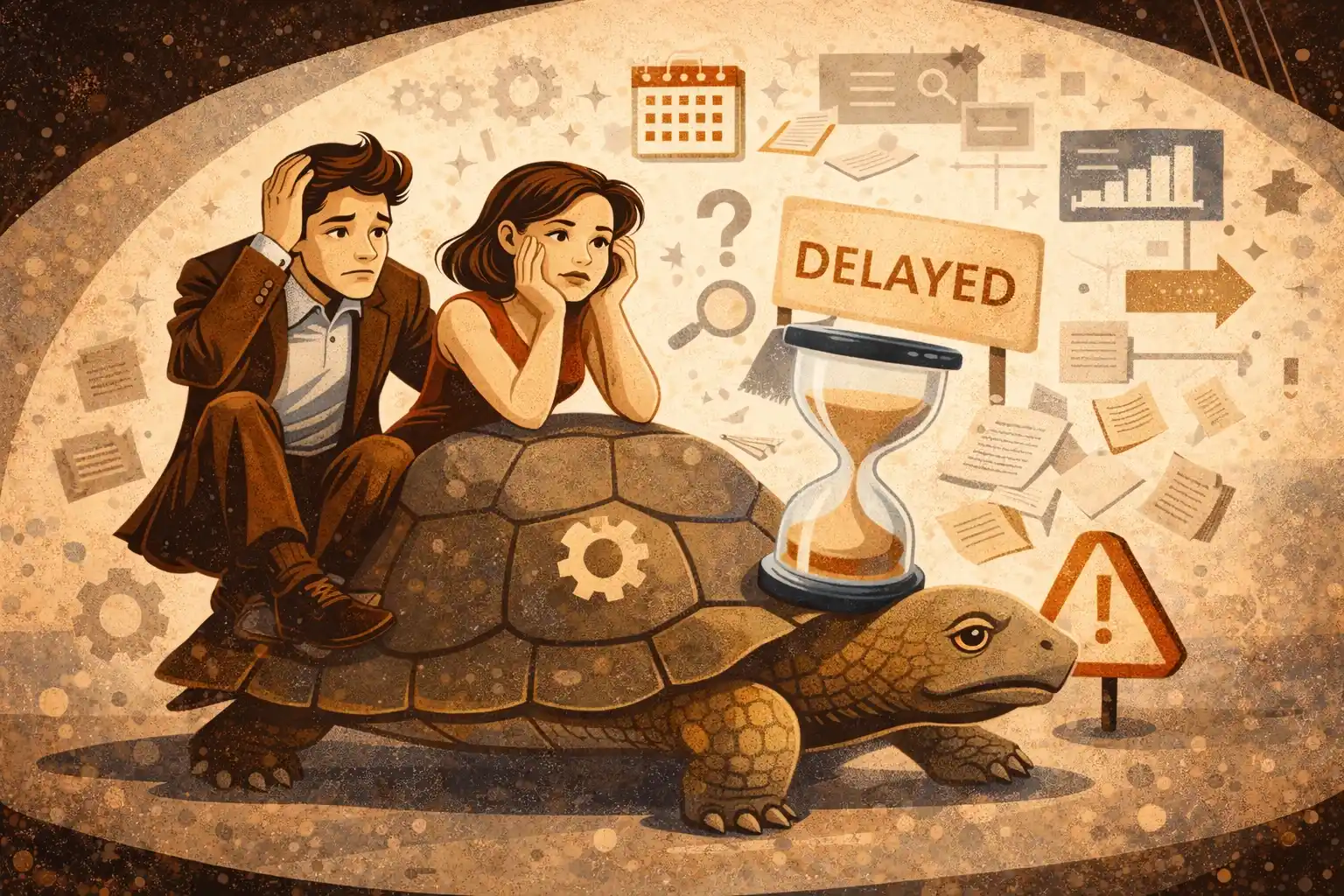
AI products get expensive when you build in big batches.
Ship - measure - adjust - repeat.
If you’re outsourcing, this is also where partner choice matters. See Outsource Development for Startups: Pros, Cons, and Red Flags for what to push on in contracts and communication.
When AI is not worth it in 2026
This is the easiest money-saving decision you’ll make.
AI is usually not worth it (yet) when:
- The workflow is still unclear and unvalidated.
- You can solve it with rules or simple UX changes.
- The cost of a wrong answer is high, and you can’t build strong guardrails.
In those cases, a classic MVP may get you further faster.
Thinking about adding AI to your startup MVP in 2026?
At Valtorian, we help founders design and launch modern web and mobile apps — including AI-powered workflows — with a focus on real user behavior, not expensive experiments.
Book a call with Diana
Let’s talk about your idea, scope, and fastest path to a usable MVP.
FAQ
Are AI features always more expensive than “normal” features?
Not always. The expensive part is making AI reliable inside a real workflow. A small, well-scoped AI feature can be cheaper than building a complex manual flow.
What’s the biggest hidden AI cost for startups?
Evaluation and QA. If you don’t test outputs against real user cases (and re-test after changes), costs show up later as churn and support load.
Should I fine-tune a model for my MVP?
Usually no. Start with a small workflow and retrieval over curated knowledge. Fine-tuning makes sense only after you have repeated usage patterns and clear failure modes.
How do I control AI cost without killing product value?
Reduce scope, not quality. Limit the feature to one workflow, add guardrails, and track whether it improves activation or retention.
What metrics should I track for an AI feature?
Track behavior, not hype: completion rate of the workflow, time-to-value, drop-off points, and support tickets caused by confusion or wrong output.
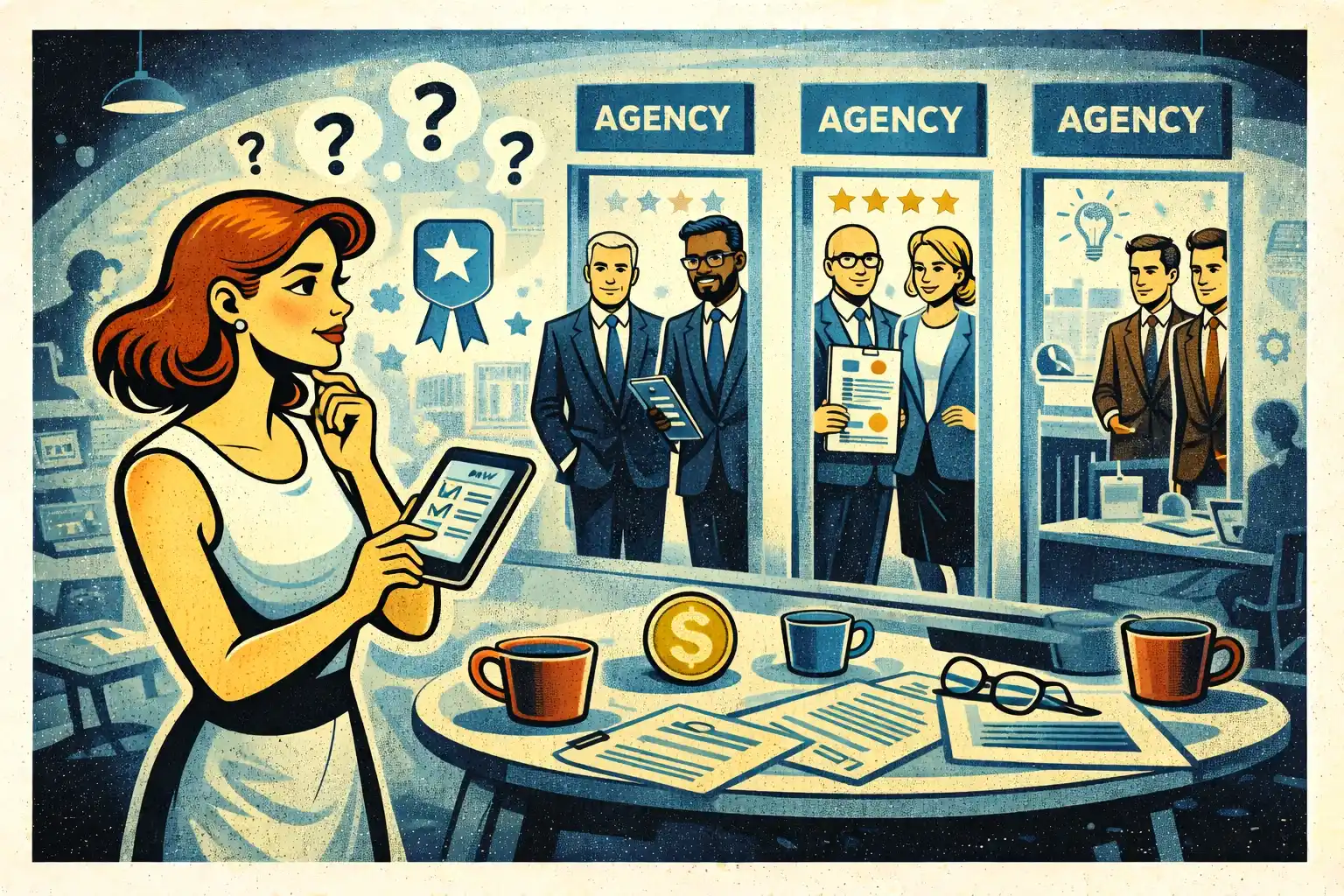
How do I know if an agency actually understands AI product delivery?
Ask for their “wrong output plan,” evaluation approach, and how they measure success after launch. If they only talk about models and not UX + metrics, that’s a risk.











































.webp)




.webp)